
Documentation Index
Fetch the complete documentation index at: https://handbook.fiddler.ai/llms.txt
Use this file to discover all available pages before exploring further.
What is a Project?
A project helps organize models under observation and serves as the authorization unit to manage access to your models. To onboard a model to Fiddler, you need to have a project to associate it with. Once Fiddler’s Python client is connected to your environment, you can either create a new project or use an existing one to onboard your model.Create a Project
Using the Python client, you can create a project by calling the Project object’s create function after setting the desired project name.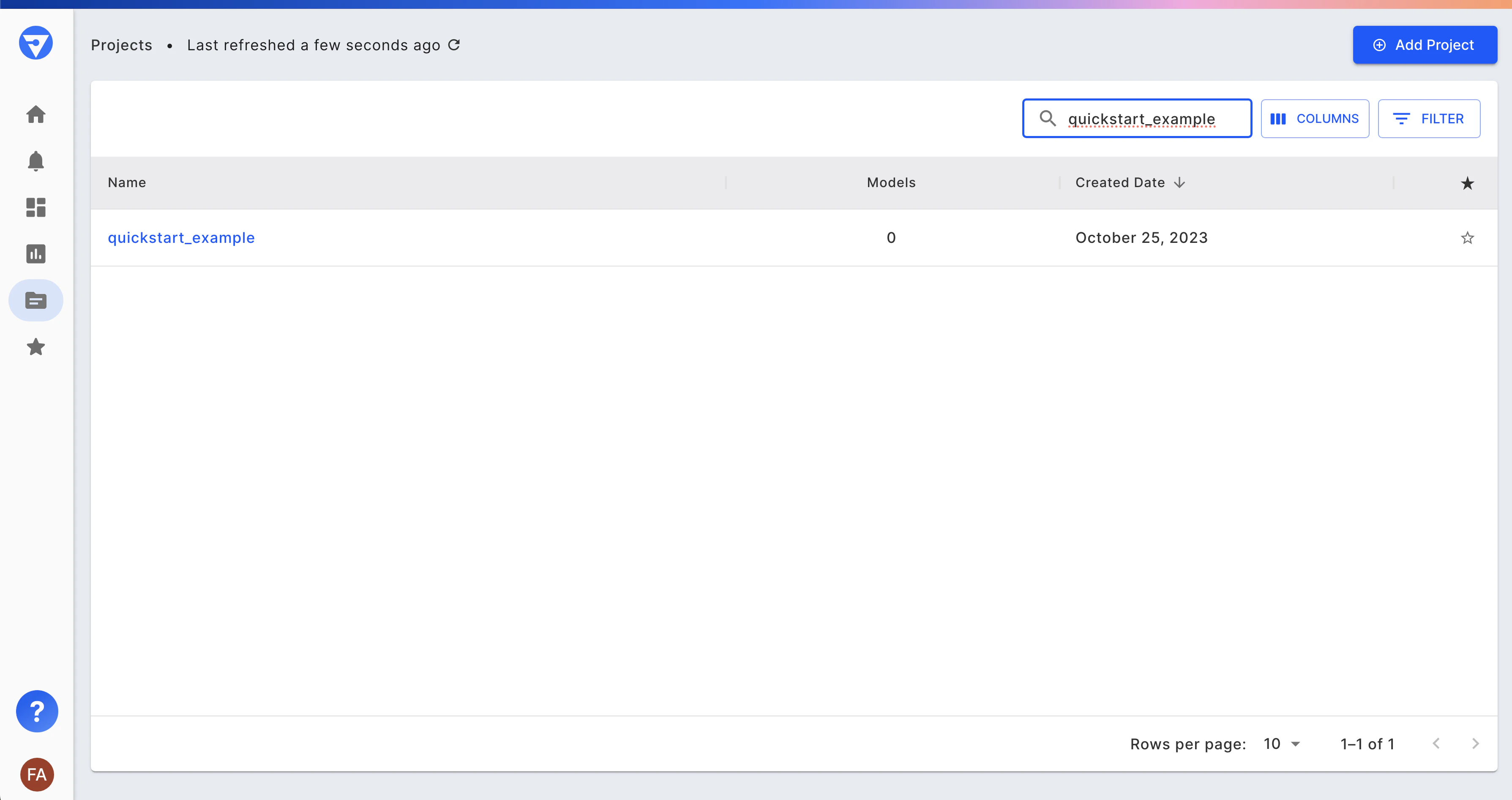
List All Projects
Using an existing project, you may list all the projects that you are authorized to view.Onboarding a Model
To onboard a model you need to define a ModelSpec and optionally a Model Task. If you do not specify a model task during Model creation it can be set later or left unset.Define the ModelSpec
A ModelSpec object defines what role each column of your inference data serves in your model. Fiddler supports five column roles:- Inputs (features),
- Outputs (predictions),
- Targets (ground truth labels),
- Metadata (additional information passed along with the inference)
- Custom features (additional information that Fiddler should generate like embeddings or enrichments)
Define the Model Task
Fiddler supports a variety of model tasks. Create aModelTask object and an additional ModelTaskParams object to specify the ordering of labels.
Infer the Model Schema
Onboard the model schema to Fiddler by passing in:- the data sample dataframe, called
sample_dfbelow - the
ModelSpecobject - the
ModelTaskandModelTaskParamsobjects - the event/inference ID column and event/inference timestamp columns
Review and Edit the Schema
Schema inference is just a helping hand. The resulting schema needs human review and potentially some edits, as documented in the section titled Customizing your Model Schema.Define Model Columns Using Pandas DataFrame Column Types
When defining the columns of a model, use the data types from a Pandas DataFrame. Note that no type inference is performed; it is the responsibility of the user to ensure that the DataFrame’s column types are correct. The mapping of column types is as follows:| Pandas | Fiddler (fdl.DataType) |
|---|---|
| int8 | INTEGER |
| int16 | INTEGER |
| int32 | INTEGER |
| int64 | INTEGER |
| uint8 | INTEGER |
| uint16 | INTEGER |
| uint32 | INTEGER |
| uint64 | INTEGER |
| float16 | FLOAT |
| float32 | FLOAT |
| float64 | FLOAT |
| complex64 | STRING |
| complex128 | STRING |
| string | STRING |
| object | STRING |
| bool | BOOLEAN |
| boolean | BOOLEAN |
| datetime64[ns] | TIMESTAMP |
| datetime64[ns, UTC] | TIMESTAMP |
| timedelta64[ns] | STRING |
| period[freq] | STRING |
| category | CATEGORY |
| interval | STRING |